Mobile
Coming soon
Virlow for iPhone
and iPad.
A native app for iPhone and iPad is coming soon. It is built in Swift, with no web view, and it opens the same notes, workspaces, folders and AI memories you have on the web. On iPad, your workspaces, note list and note sit side by side.
There is nothing to download yet. Until there is, Virlow is ready for you on the web at app.virlow.com.
-
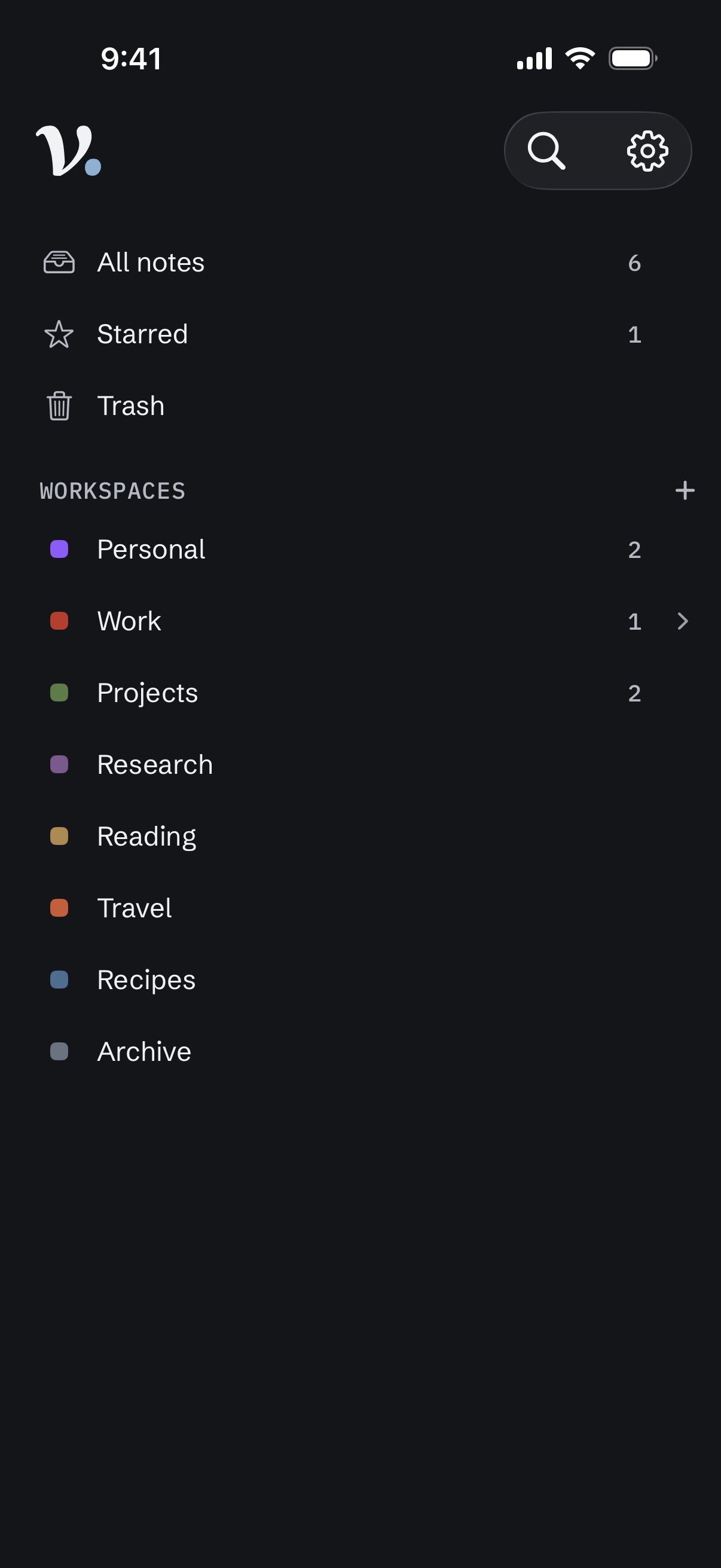
Workspaces -
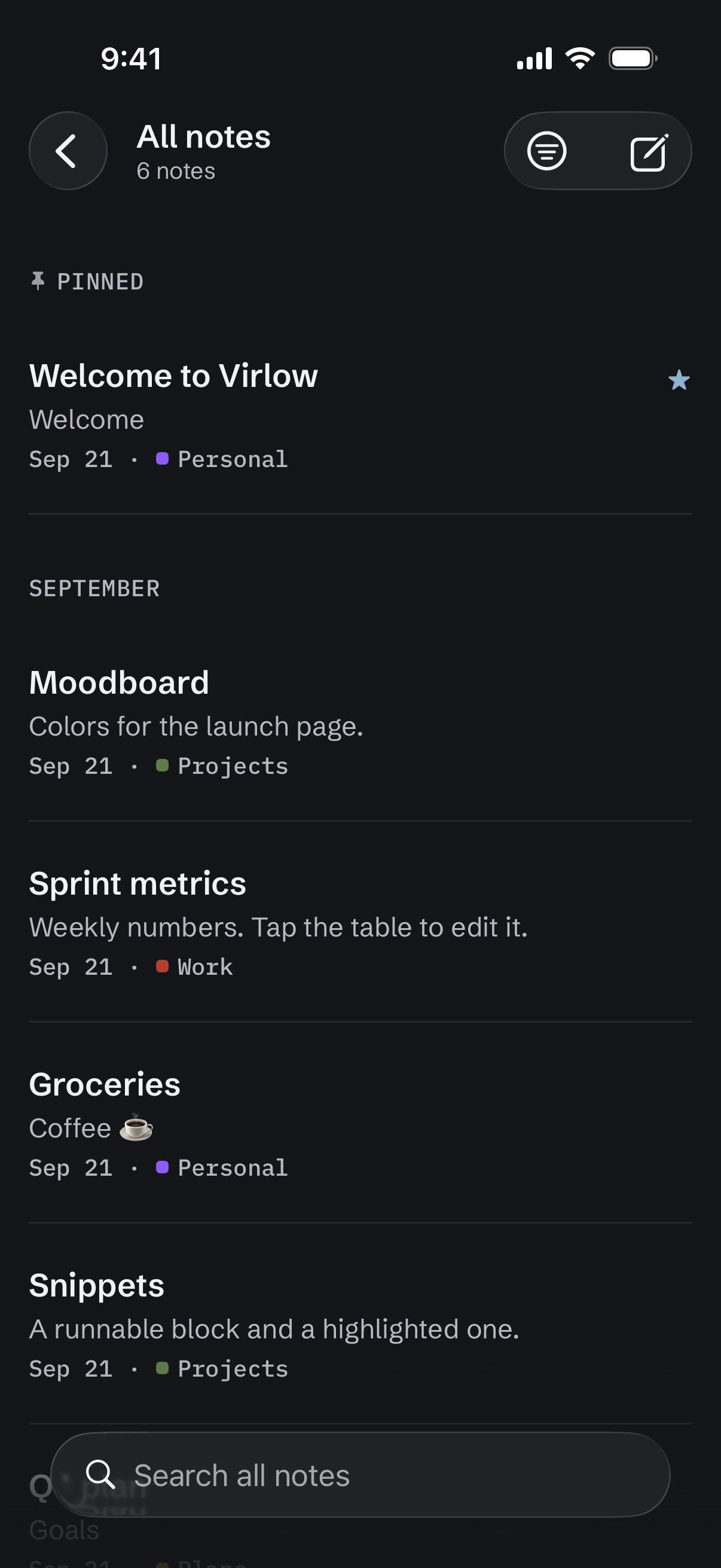
Notes -
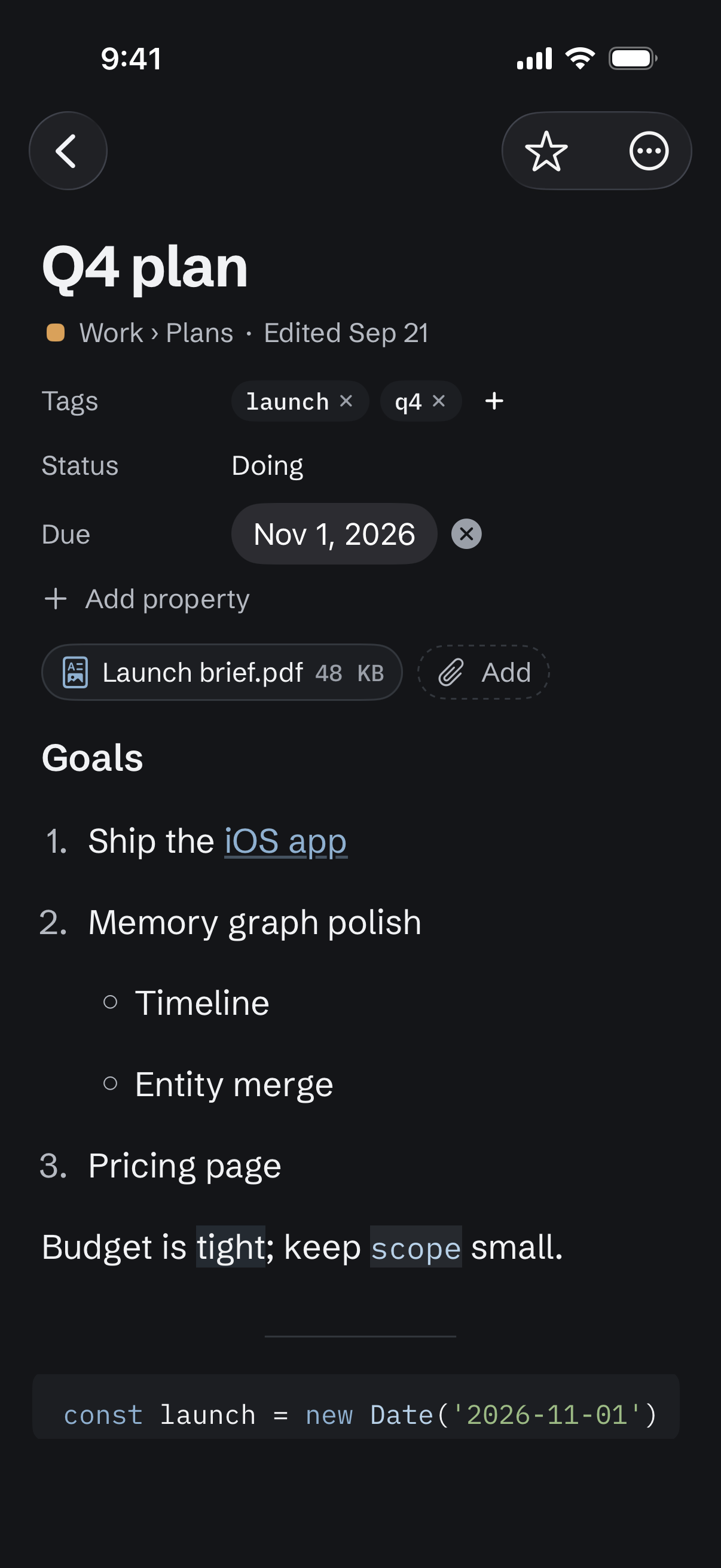
A note -
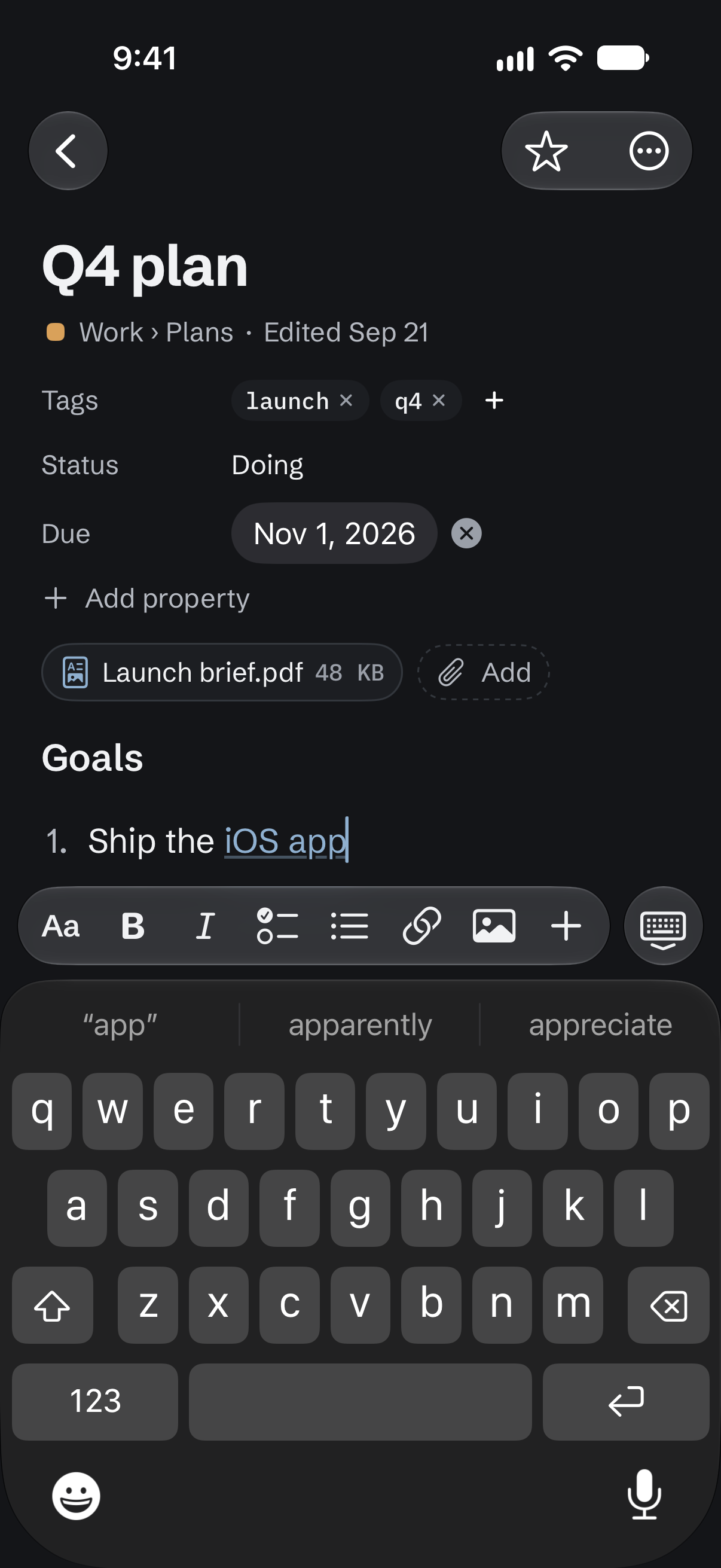
Editing -
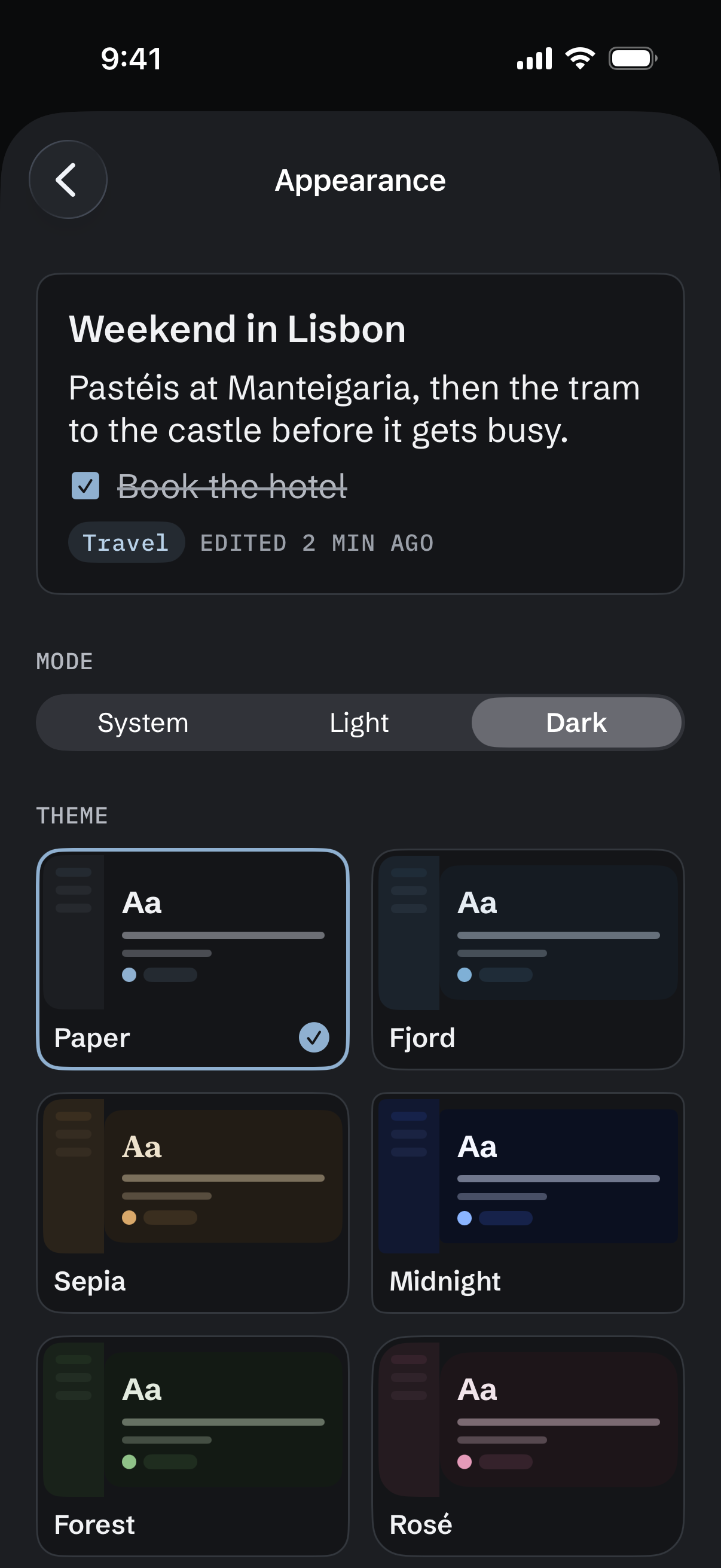
Themes


01 / Memories Pro
Your AI, with a memory,
in your pocket.
Claude, ChatGPT and your other assistants save what they learn about you and your work to Virlow, encrypted like your notes. On your iPhone, see what they learned this week, keep what is right and fix what is off, wherever you are.
Saving memories is part of Virlow Pro. On the free plan, Memories shows what Pro adds.
-
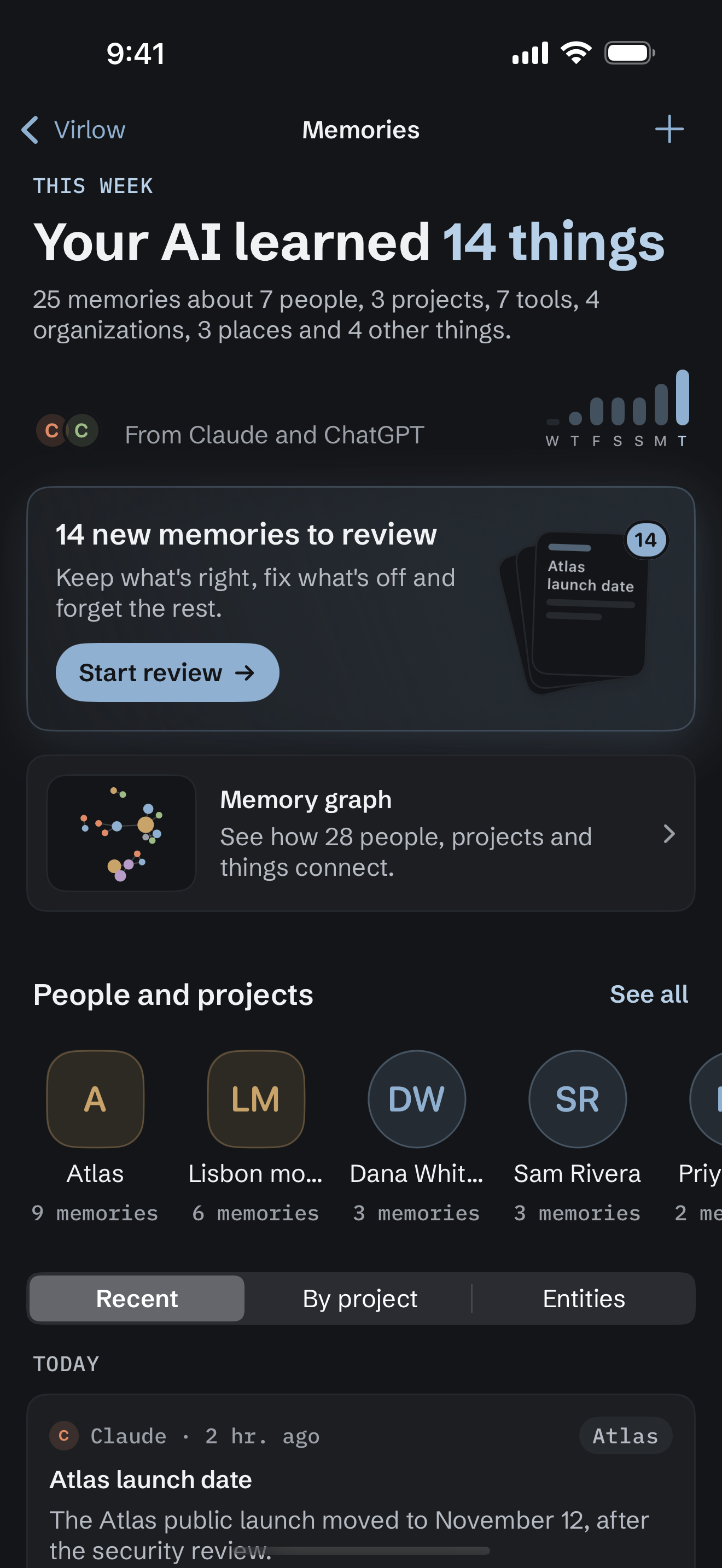
This week. What your AI learned, who it came from, and what is waiting for review. -
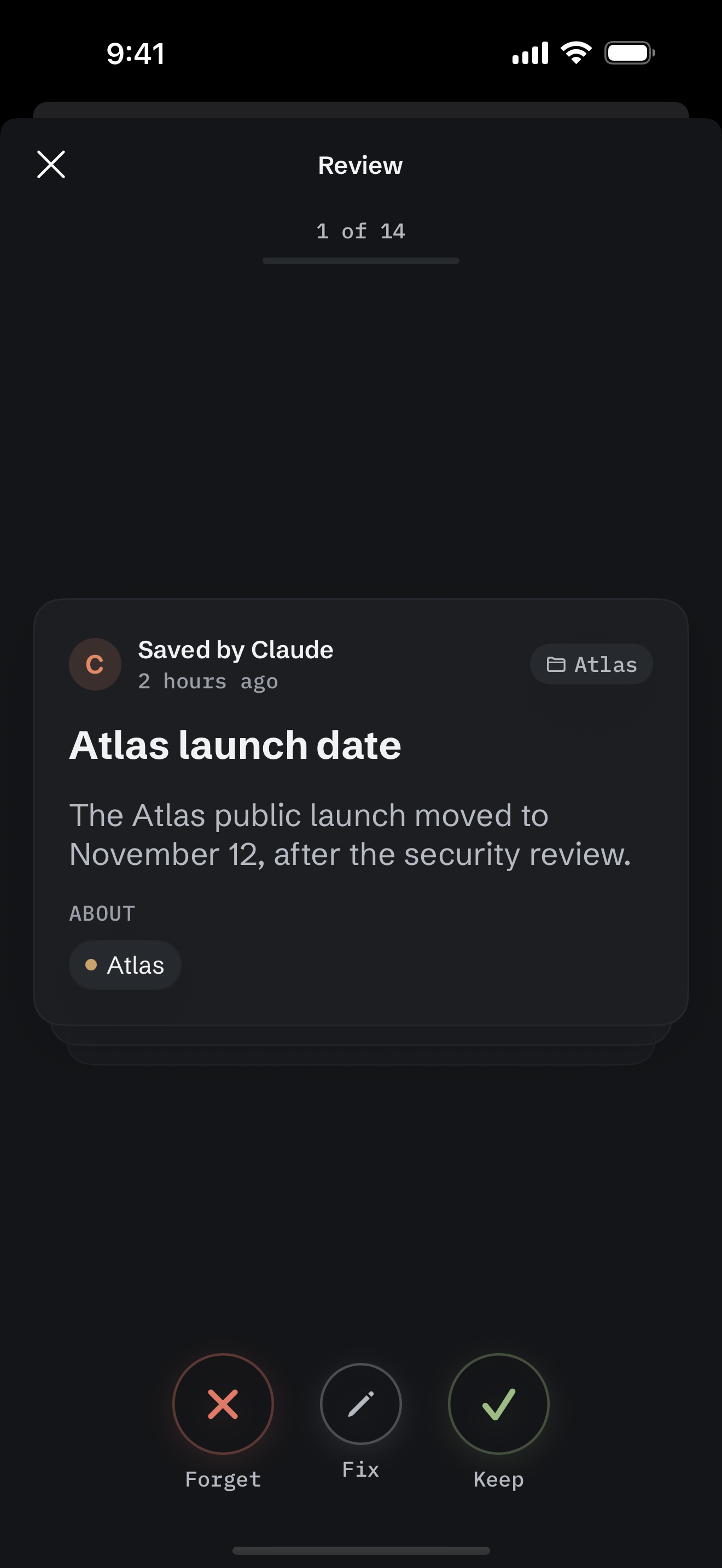
Review what your AI learned. Swipe right to keep, left to forget, or tap Fix to correct it in place. Undo is one tap away. -
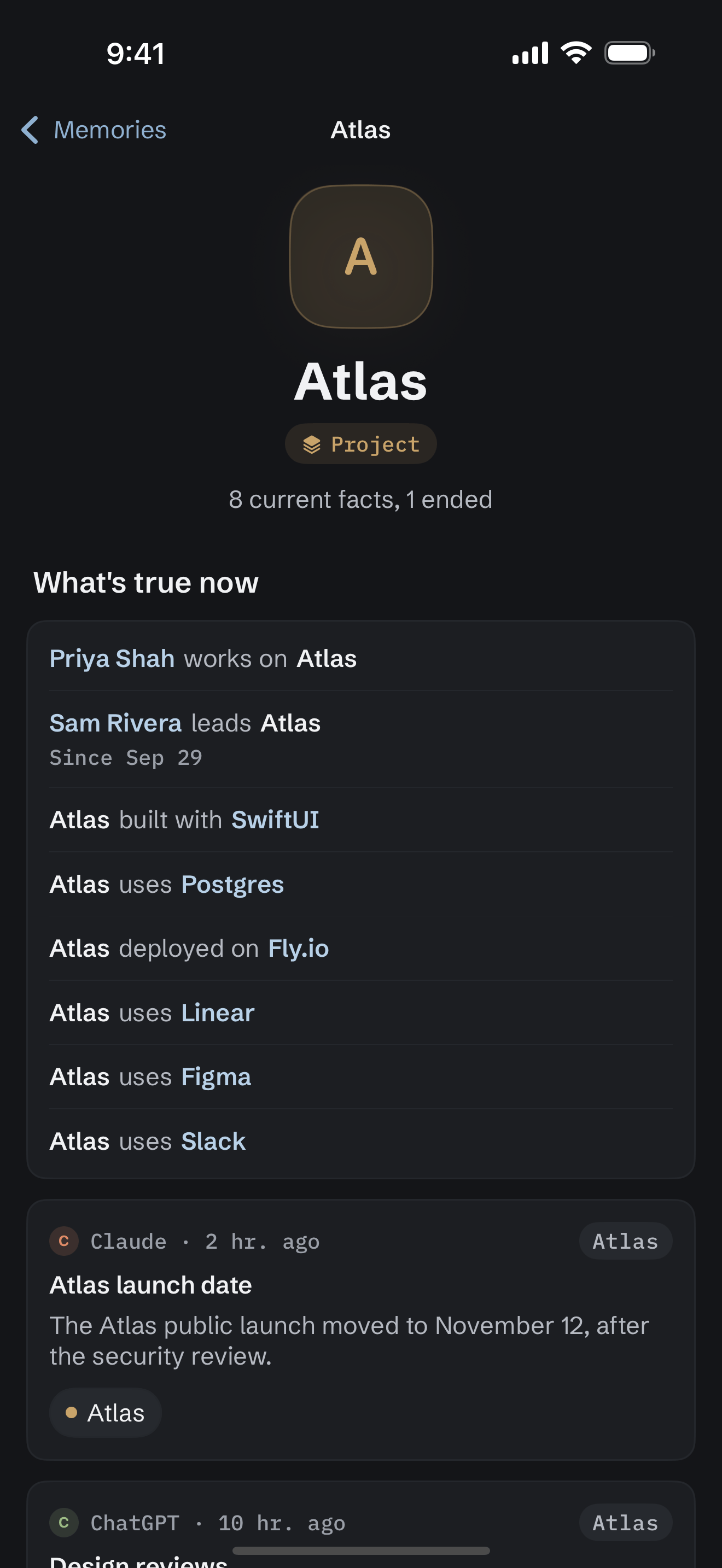
People and projects. Every person and project gets a page: what’s true now, and what changed. -
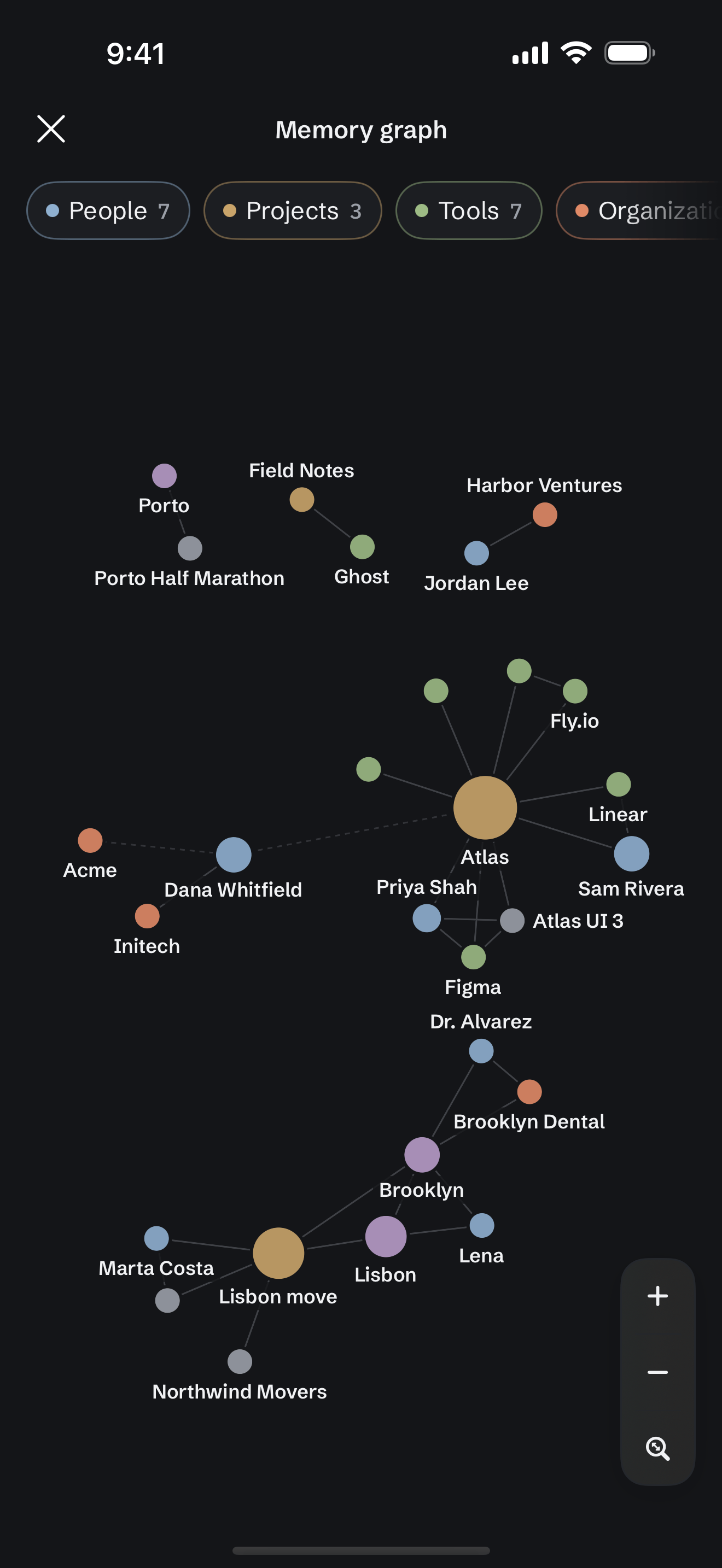
The memory graph. Pinch to zoom, drag to look around, filter by kind, and tap a dot to open its page.


Remember from anywhere.
Tell Virlow something yourself and every connected assistant can recall it. Name who or what it is about, so it shows up on their page and in the graph.
- The + button. Write a memory from the Memories screen.
- The share sheet. Share text or a link from any app and choose Memory instead of Note.
- Siri and Shortcuts. Say “Remember in Virlow” to save a fact, or ask “What does Virlow remember” about a person, project or topic.


Recently learned, on your Home Screen.
The Recently learned widget shows the latest memories and where they came from, with a + to write one. It follows your widget privacy setting: with note titles off, it shows only how many memories are new.


02 / Private
Encrypted on your phone,
like on the web.
Your notes are encrypted on the device with your master password, the same way they are in the browser. Unlock with Face ID or Touch ID instead of typing it each time.
Your workspaces, folders and notes are the same ones you have on the web, and changes sync live between them.
- Works offline. Write and even start new notes on a plane or in a tunnel. Everything syncs when you are back online.
- Live on every device. See when another device, or Claude, is in the same note.
- Auto-lock. The app locks itself again when you step away.
03 / Writing
The full editor,
not a lite one.
Headings, lists and checklists, links between notes, images, tables you can edit, and code blocks with syntax colors and code you can run. A formatting toolbar sits above the keyboard.
On iPad, or with a hardware keyboard, the shortcuts you expect work: Command N for a new note, Command B for bold and Command K for a link.
- Attachments. Add files to a note, or take a photo with the camera.
- Version history. Go back to an earlier version of a note.
- Swipe actions. Act on a note right from the list, the way you do in Mail.
04 / Yours
Your workspaces,
themes and memories.
Give each workspace a color or an emoji. Filter a note list by starred, attachments, tags or the workspace's own properties, and sort it by date, title or starred. Starred notes stay pinned at the top.
The app has the web's themes, in light and dark, and your AI memories are a tap away.
- Properties and tags. The same fields and tags you set on the web.
- AI memories. Review, fix and add what your AI remembers, wherever you are. How Memories work
- Virlow Pro. Available in the app as well as on the web.
05 / Themes
Make it yours,
down to the glow.
The app has the web’s themes: Paper, Fjord, Sepia, Midnight, Forest, Rosé, Ember, Typewriter and Graphite, each in light and dark.
Your theme follows you to the web and your other devices.
A color glow can sit behind the header of the home screen and your note lists: Aurora, Accent, or off. Inside a workspace, it glows in the workspace’s own color. The glow is set on each device.
-
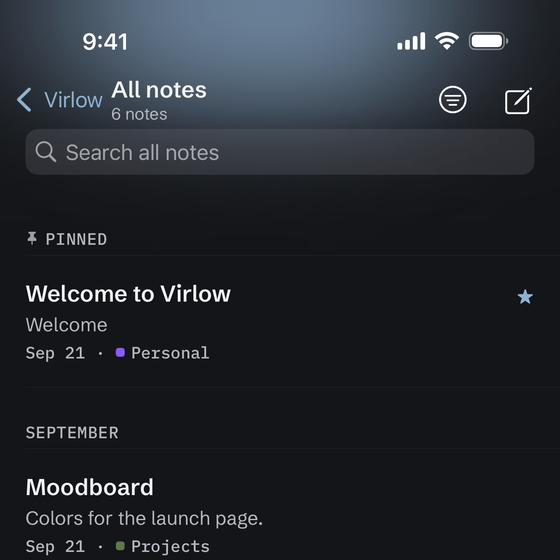
Paper -
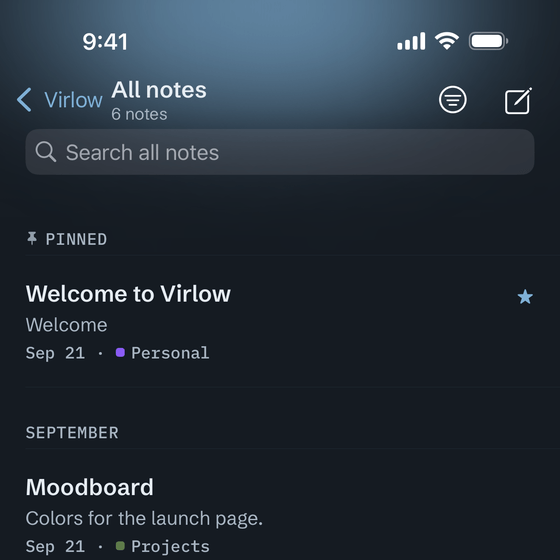
Fjord -
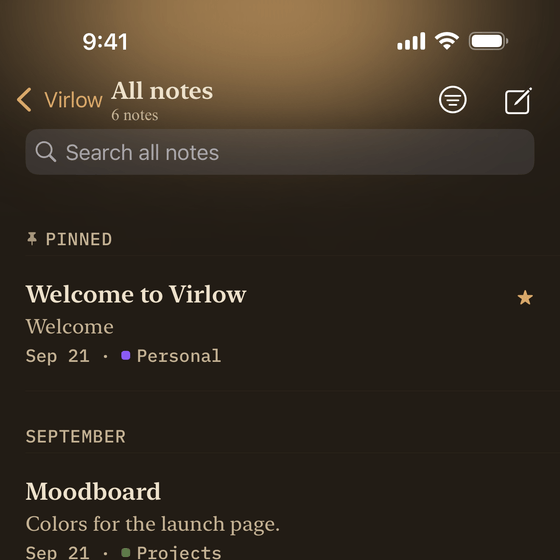
Sepia -
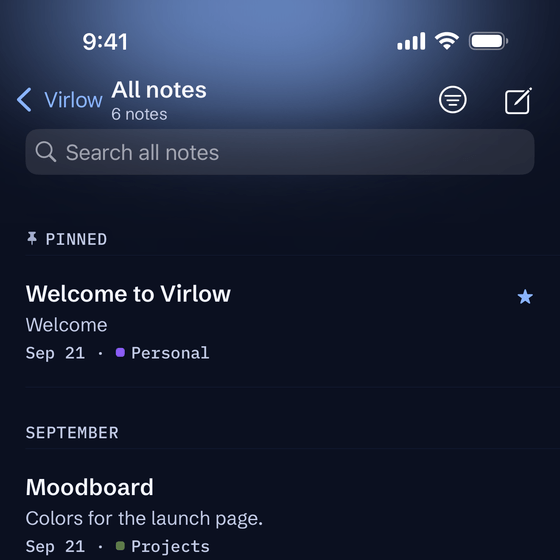
Midnight -
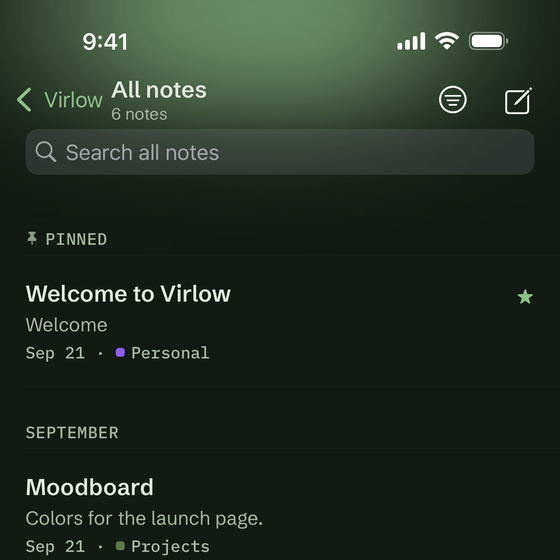
Forest -
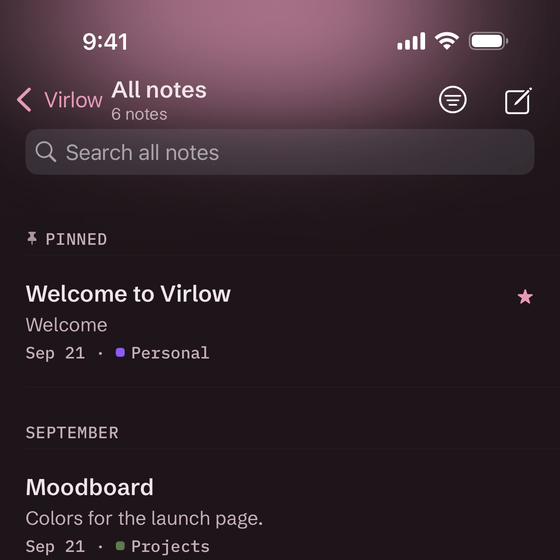
Rosé -
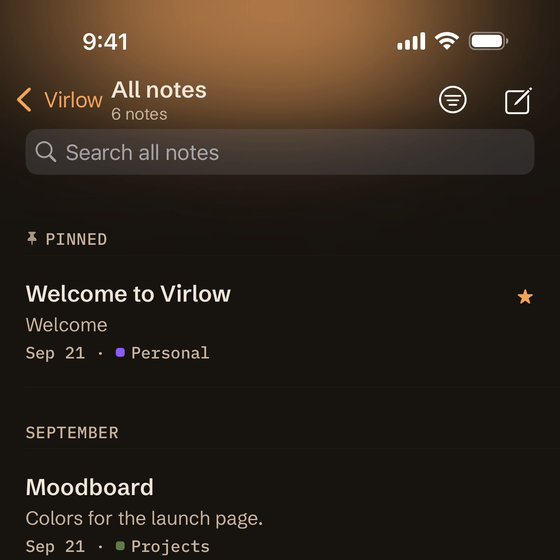
Ember -
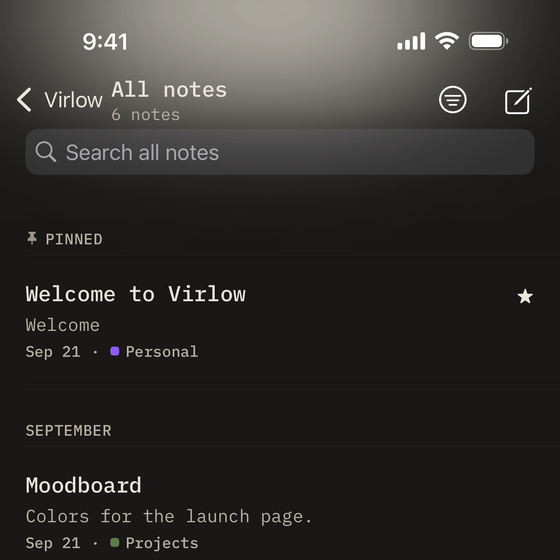
Typewriter


Glow styles
-
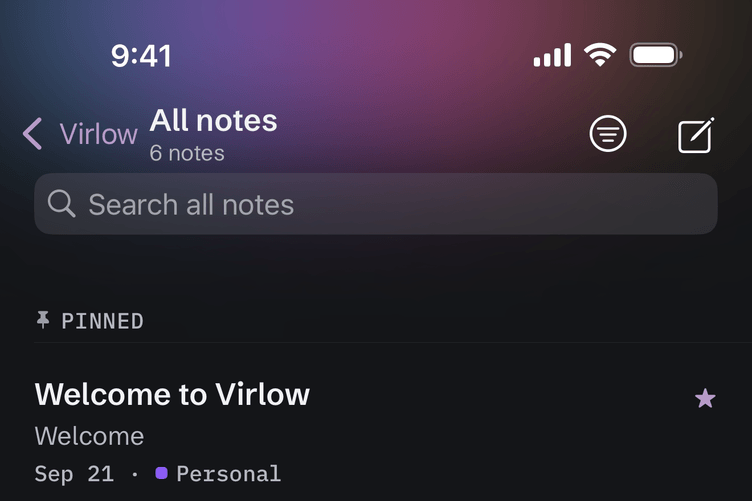
Aurora -
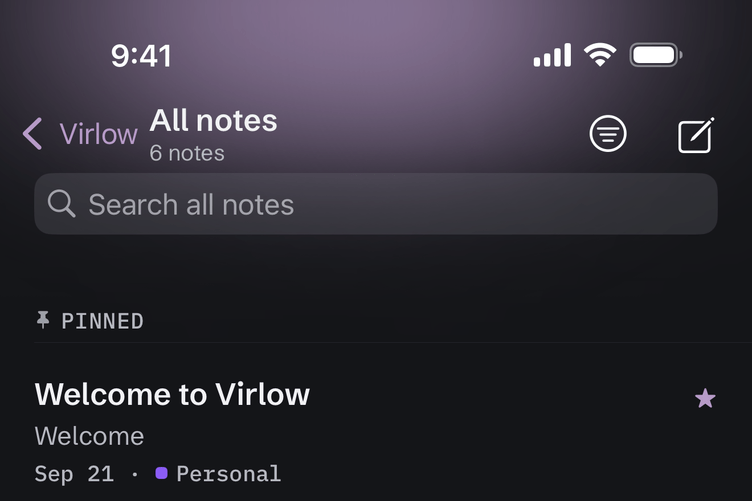
Accent -
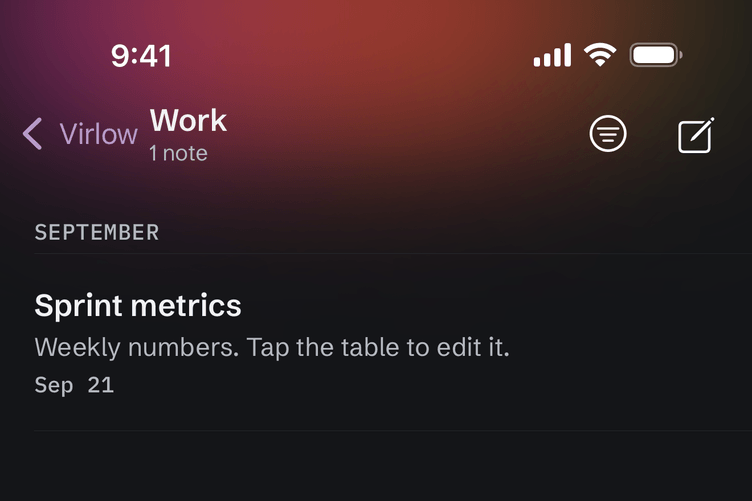
Workspace color


06 / Everywhere
A tap away,
all over your iPhone.
Save links, text and images from any app with the share sheet, or say “New note in Virlow” to Siri.
Note titles only show up in widgets and Spotlight if you turn that on.
- Widgets. On the Home Screen and the Lock Screen, plus a Control Center button.
- Shortcuts and Spotlight. Virlow works in the Shortcuts app and in Spotlight search.
- Accessible. VoiceOver labels, Dynamic Type and large touch targets.
07 / iPad
Room for
all three.
On iPad, your workspaces, the note list and the note you are reading sit side by side, so the whole workspace is in view.
With a hardware keyboard, you can get around with keyboard shortcuts instead of reaching for the screen.


Where your notes are read
On iPhone and iPad, as on the web, notes are encrypted on your device with your master password. Two optional features send content off your device: the hosted connector, which decrypts on Virlow's server while your vault is unlocked so web AI apps can use it, and code execution, which runs your code on Virlow's service. The security page has the details.
Until then